
WhatsApp Web advisory: I4C urges users to log out after every session
The Home Ministry's cybercrime unit warns that a logged-in WhatsApp Web session can be misused to read chats and impersonate users, and lists seven precautions.
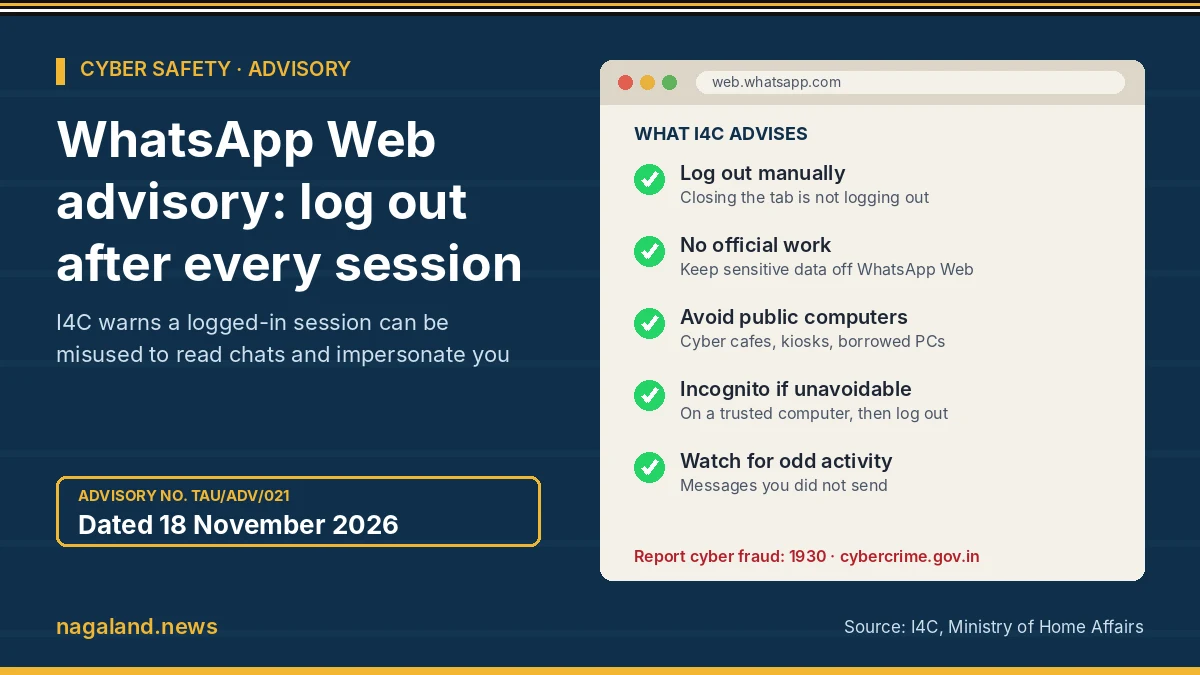
KOHIMA – A WhatsApp Web advisory issued by the Union Home Ministry’s cybercrime coordination agency has warned that a logged-in WhatsApp Web session can be misused to take over a user’s account, and has asked people to log out manually after every use.
The advisory, numbered TAU/ADV/021 and dated 18 November 2026, was issued by the National Cybercrime Threat Analytics Unit (NCTAU) of the Indian Cyber Crime Coordination Centre (I4C) under the Ministry of Home Affairs. A copy of the two-page document has been seen by Nagaland.News.
What the WhatsApp Web advisory warns about
According to the document, NCTAU “has observed that an authenticated WhatsApp Web session may, under certain circumstances, be misused to gain unauthorized access to a user’s WhatsApp account.” WhatsApp Web lets people use their account on a computer browser after linking it to their phone.
Such access, the advisory says, may allow a malicious person to read messages, send messages while impersonating the user, access contacts and group conversations, and misuse the account holder’s trusted identity “for fraud, phishing, social engineering or other malicious activities.”
It asks users to be careful on office computers, shared systems, public computers or any device other people can reach. The advisory does not describe a specific attack, name any incident, or say that WhatsApp itself has a new flaw.
Seven precautions listed by I4C
The I4C advisory sets out seven precautionary measures:
- Avoid official or sensitive work on WhatsApp Web. Government, organisational, financial, confidential or other sensitive information should preferably not be exchanged through a WhatsApp Web session on computers.
- Do not keep WhatsApp Web permanently logged in. Avoid leaving a session active when it is not needed, particularly on office or shared computers.
- Always log out after each session. Closing the browser window or tab “should not be treated as logging out.”
- Use Incognito/Private Browsing mode when use is unavoidable. Use it only on a trusted computer, and log out manually before closing the browser.
- Avoid unknown or public computers. Do not log in from cyber cafes, public kiosks, hotel business centres, borrowed computers or other untrusted systems.
- Be alert to unusual account activity. Unexpected messages sent from your account, unusual replies from contacts or unexplained activity should be treated seriously.
- Keep your device secure. Keep the operating system, browser and security software updated, and avoid suspicious downloads, unknown files and cracked software.
Advice for offices and government departments
A note marked “Important” on the second page says organisations should avoid WhatsApp Web in official and sensitive environments. Private browsing, it adds, should be treated only as an additional precaution, not a safeguard on its own.
The WhatsApp Web advisory matters in Nagaland, where government offices, schools, churches and organisations widely use WhatsApp groups for notices and coordination, often from shared office computers. The document closes with the line: “Stay Alert. Log Out After Every Session. Protect Your Digital Identity.”
The advisory was first reported by the Telangana Tribune on 21 November, and later by other outlets. The Free Press Journal reported that the Ministry of Information and Broadcasting also shared the advisory as a graphic on X. WhatsApp’s parent company Meta has not publicly commented on it.
How to check for sessions and report misuse
The advisory itself does not explain how to find open sessions. WhatsApp’s help centre on linked devices explains that the Linked devices menu in the phone app lists every computer where the account is open. Tapping a session there lets the user log it out remotely.
Anyone who loses money or suspects their account has been misused can call the national cybercrime helpline 1930 or file a complaint on the National Cybercrime Reporting Portal. Fake screenshots and forwarded chats have also caused trouble in the state, as seen when the ZUF called viral WhatsApp chats fabricated.
The WhatsApp Web advisory adds to recent government steps on digital identity, including the Home Department’s direction to accept Aadhaar App credentials as valid ID proof in Nagaland.

Aloto Naga
Aloto Naga is an Indian journalist and digital media entrepreneur based in Dimapur, Nagaland. He is the founder, editor and publisher of Nagaland.News (formerly Nagaland News Today), a digital publication covering breaking news, politics, education and community developments across Nagaland and Northeast India.
More about Aloto Naga →Related Stories
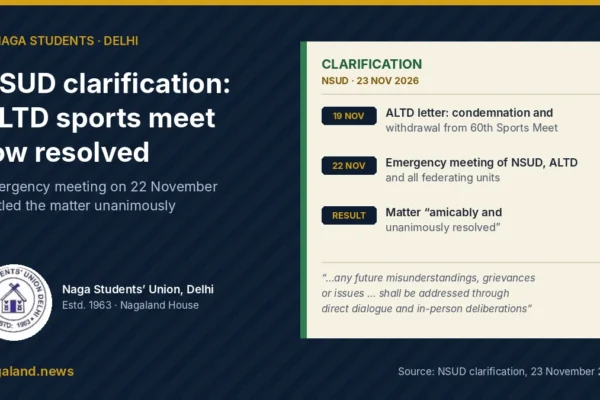
NSUD clarification: ALTD sports meet row resolved
The Delhi students' union says an emergency meeting on 22 November unanimously settled ALTD's condemnation and its withdrawal…

Theja Rio named in TIME100 Next India, shares group cover
The Kohima-raised director of 'Angh', which can now compete for an Oscar without being India's official entry, is…
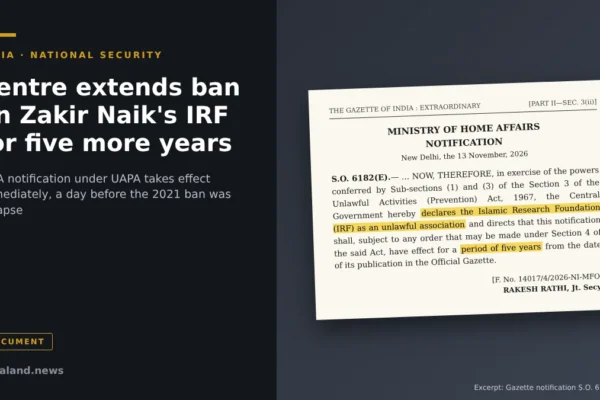
Centre extends ban on Zakir Naik’s IRF for five more years
A Home Ministry gazette notification declares the Islamic Research Foundation unlawful under UAPA again, a day before the…
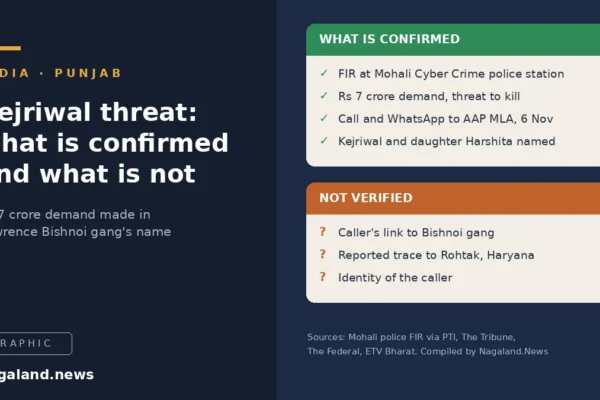
Kejriwal death threat: Mohali FIR over Rs 7 crore demand made in Bishnoi gang’s name
The caller who threatened Arvind Kejriwal and his daughter only claimed to be from the Lawrence Bishnoi gang.…
Comments
No comments yet. Be the first to share your view.